
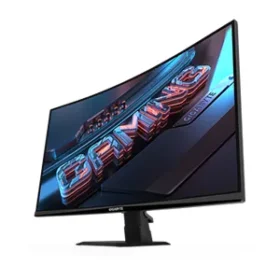




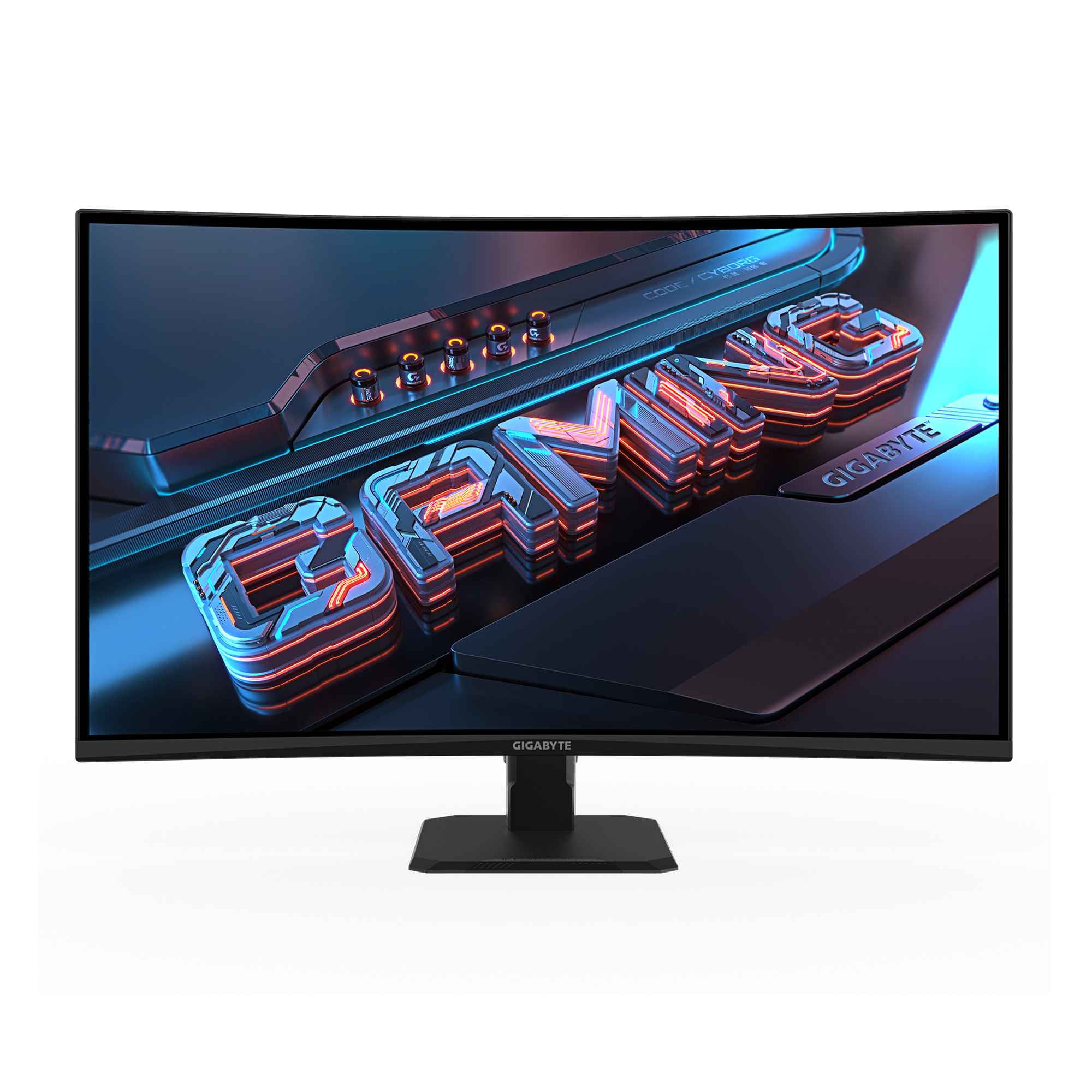
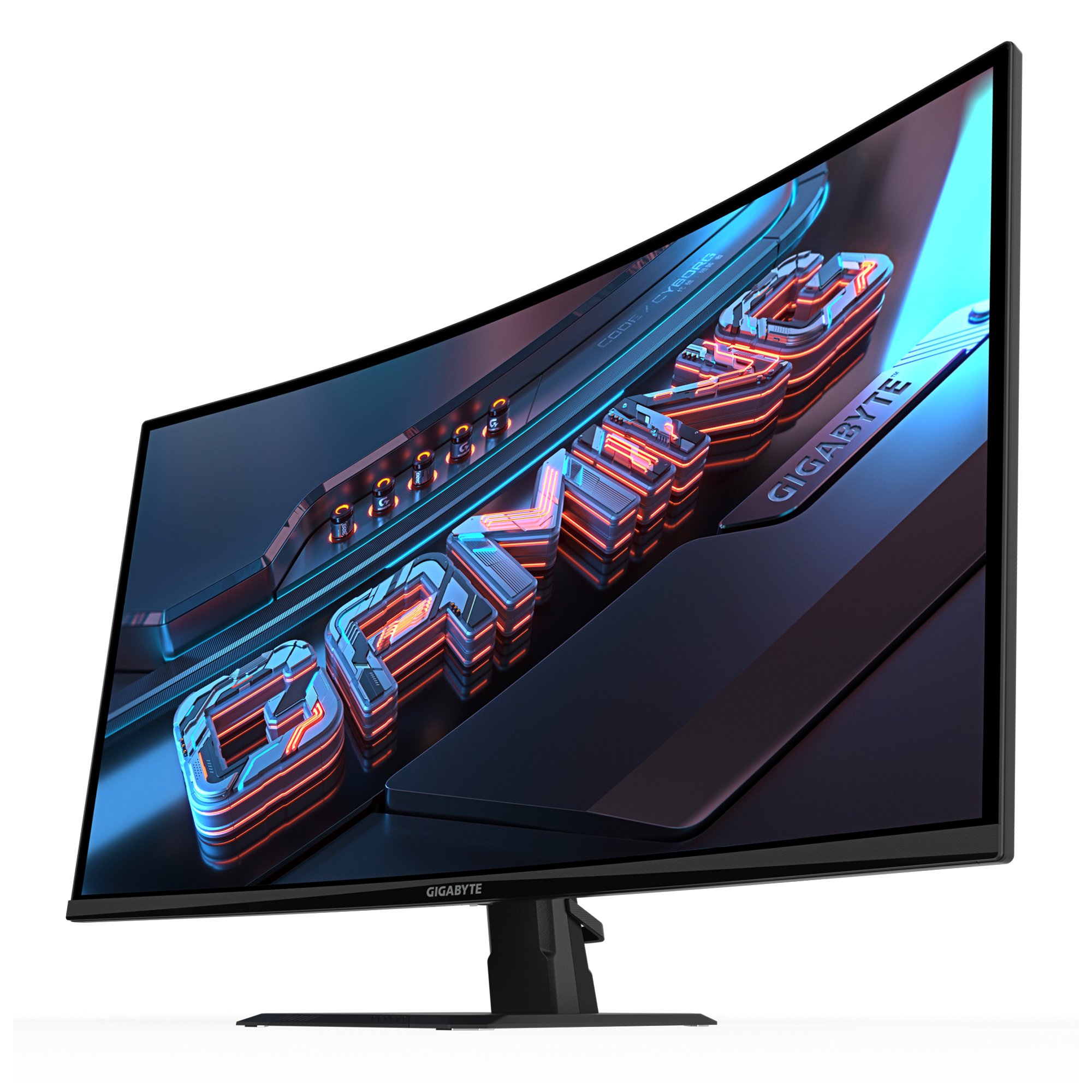
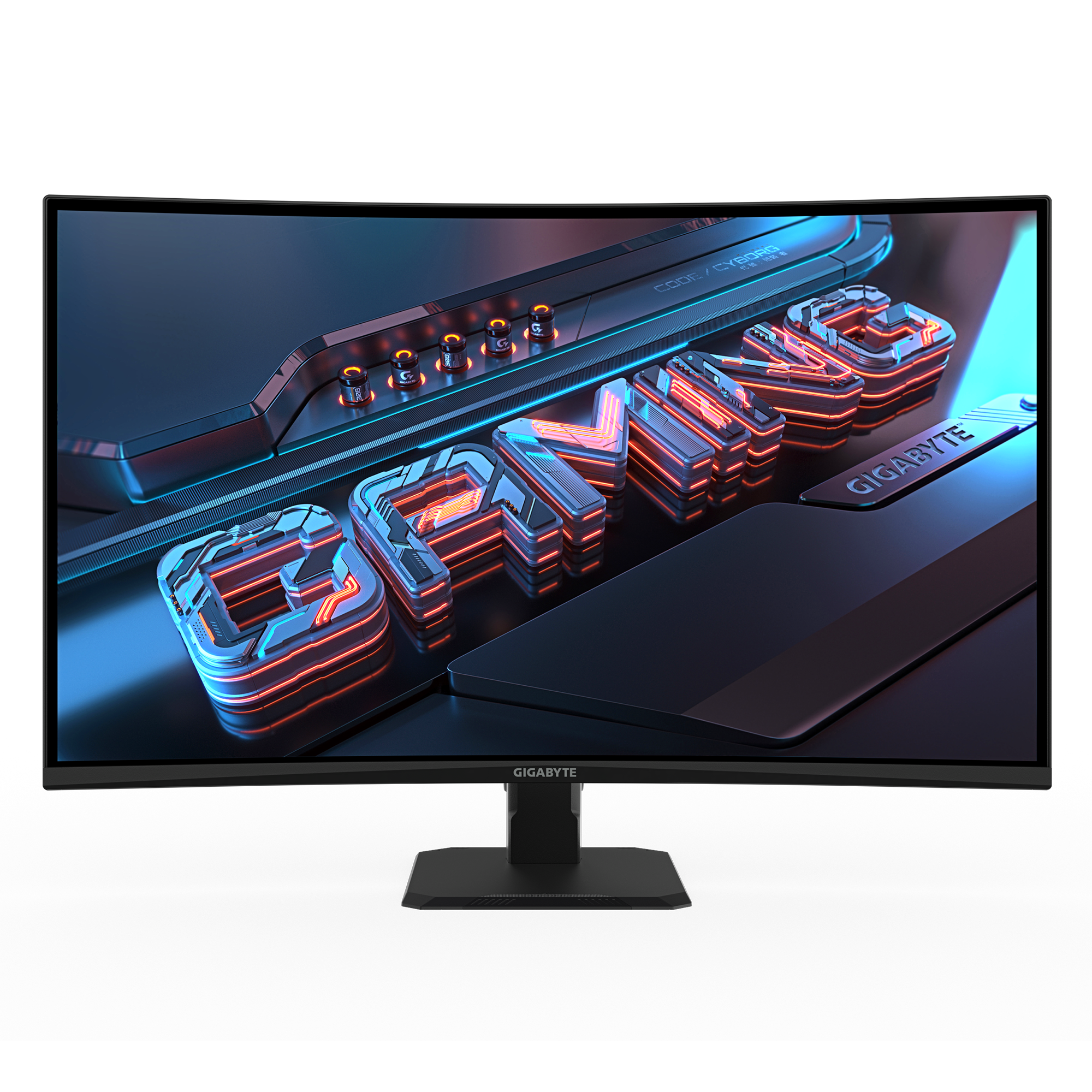
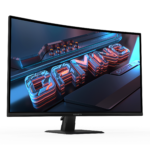
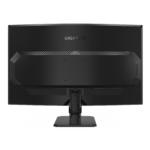
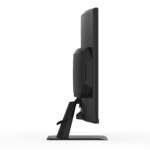
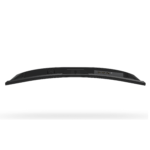
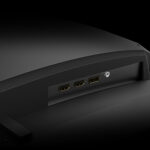
GIGABYTE GS32QCA Gaming Monitor
SKU:
GS32QCA

Apple Shopping Event
Hurry and get discounts on all Apple devices up to 20%
Sale_coupon_15
$249.990
2 disponibles
5
Artículos Vendido en el último 2 horas

15
¡Personas viendo este producto ahora!
| Webpay Plus | $257.490 |
| Hasta 6 cuotas sin intereses por Mercado Pago | $271.239 |
| Mercado Pago - Hasta 6 cuotas sin intereses | $271.239 |
| Transferencia Bancaria | $249.990 |
14
¡Personas viendo este producto ahora!
-
 Pick up from the Woodmart Store

To pick up today
Free
- Courier delivery
Our courier will deliver to the specified address
2-3 Days
Free
- DHL Courier delivery
DHL courier will deliver to the specified address
2-3 Days
Free
- Warranty 1 year
- Free 30-Day returns
Paga con:

Descripción
- Panel Size (inch)
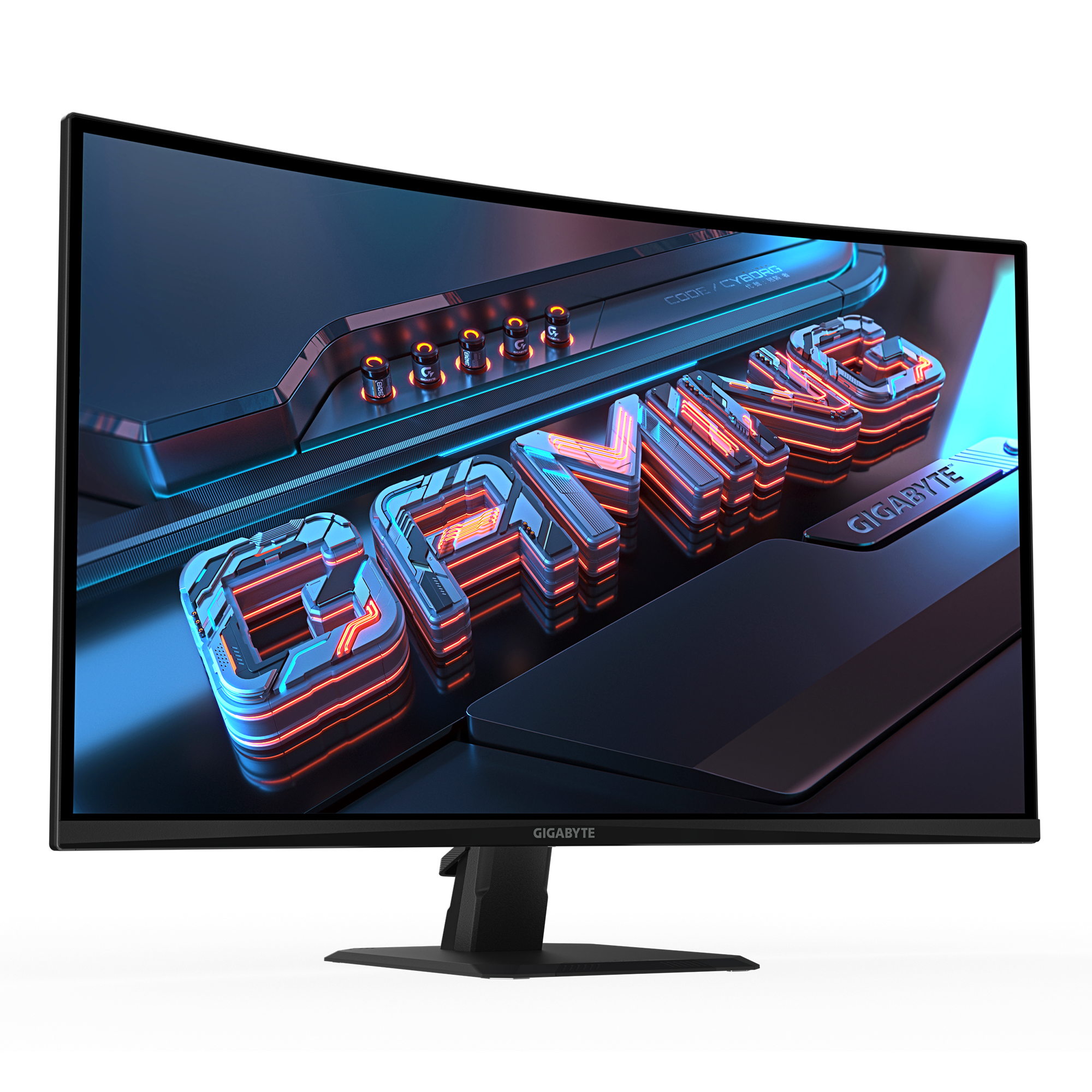
- 31.5″ VA 1500R
- Panel Type
- Edge
- Display Viewing Area (HxV)
- 697.344 x 392.256 (mm)
- Color Saturation
- 120% sRGB
- Resolution
- 2560 x 1440 (QHD)
- Display Surface
- Non-glare
- Refresh Rate (Max)
- 180Hz
- Pixel Pitch
- 0.2724*0.2724
- Brightness
- 250 cd/m2 (TYP)
- Contrast Ratio (Typ.)
- 3500:1
- Viewing Angle
- 178°(H)/178°(V)
- Display Colors
- 1.07B
- Response Time
- 1ms (MPRT)
- HDR Support
- HDR Ready
- Flicker-free
- Yes
- HBR3
- Yes
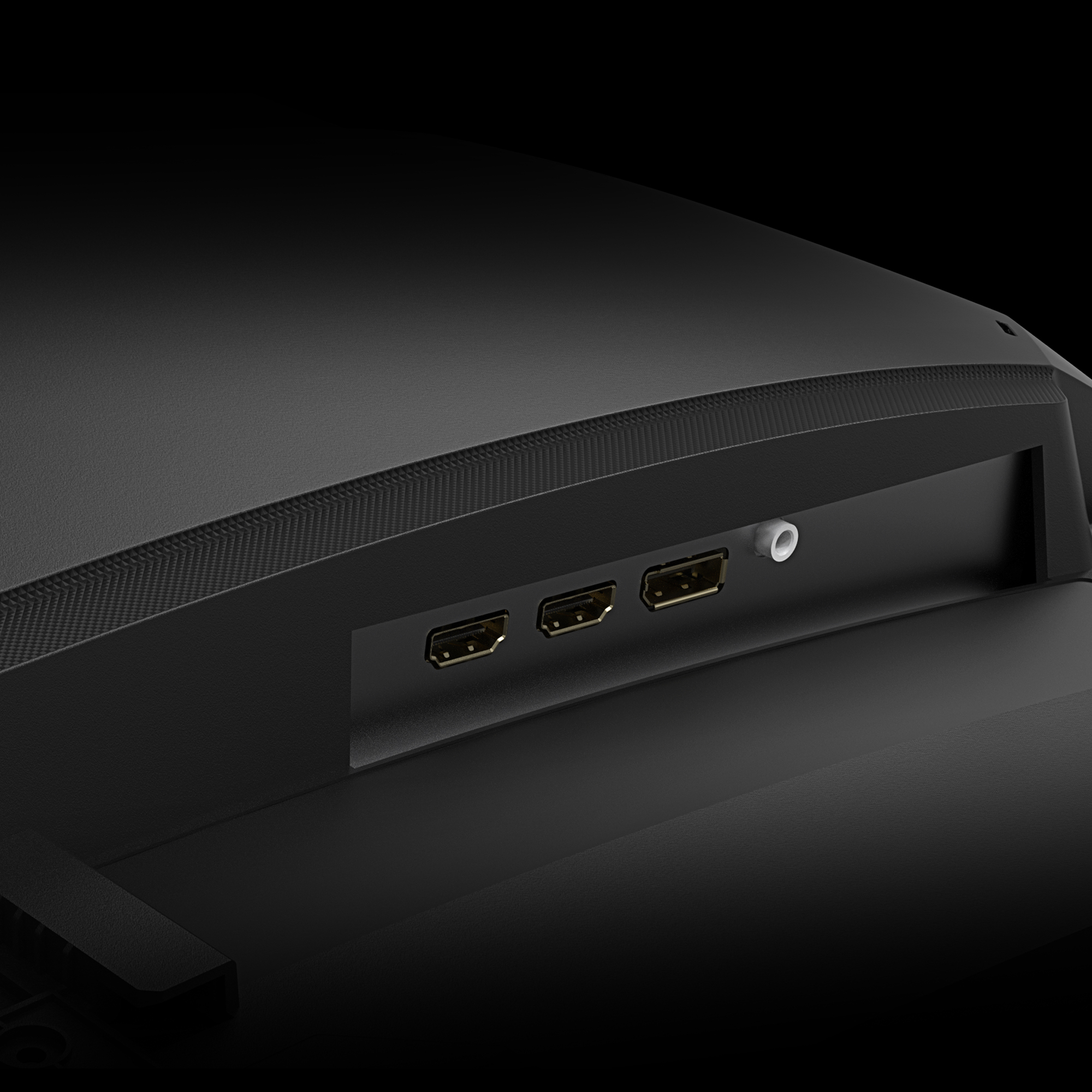
- Connectivity
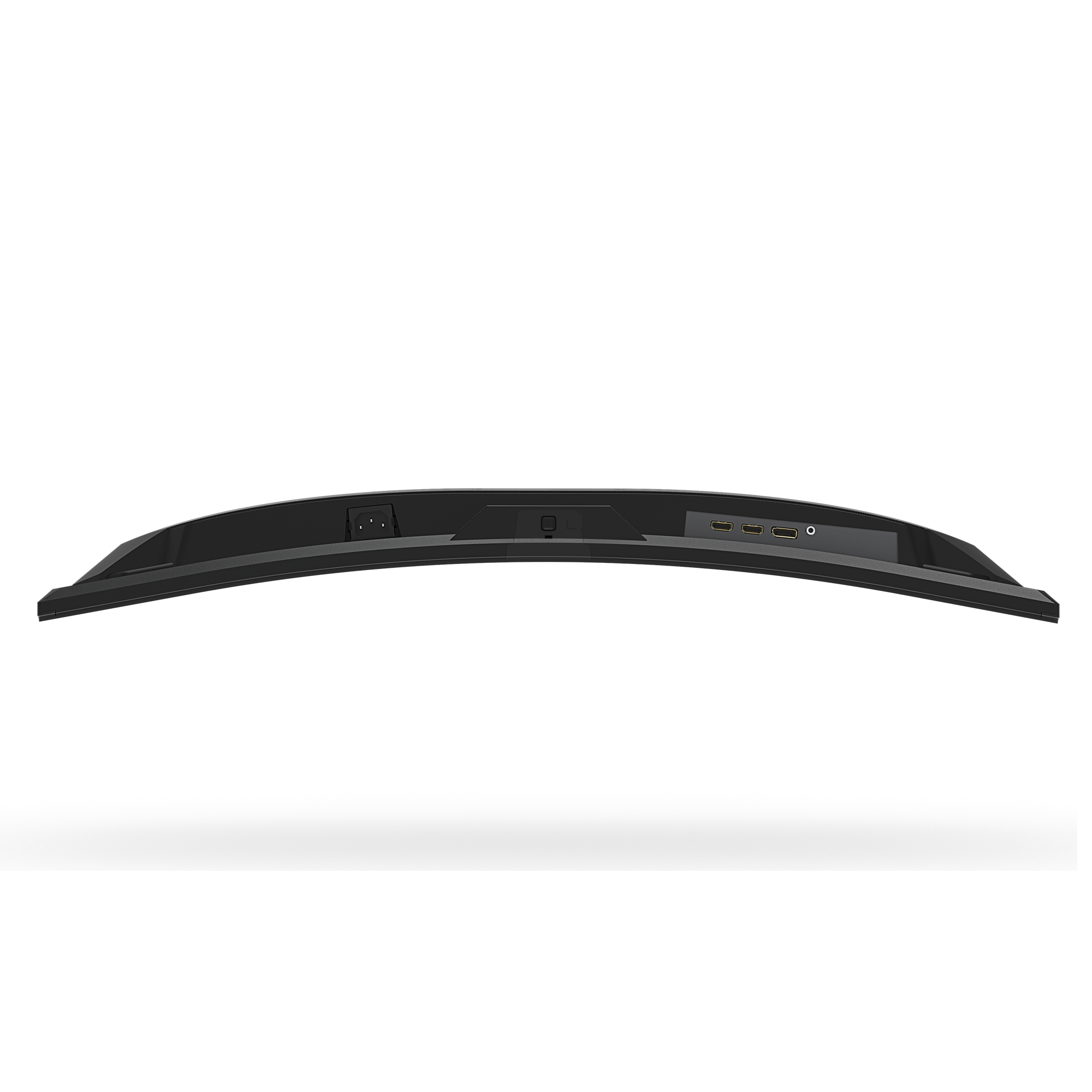
- 2 x HDMI 2.0
1 x Displayport 1.4
1 x Earphone Jack
- Speaker
- N/A
- Unique Features
- OSD Sidekick*
Aim Stabilizer
Black Equalizer
Crosshair
Timer
- Power Type
- Power Board Build-in
- Power Consumption
- 26W**
- Power Saving Mode
- <0.5W
- Power Off Mode
- <0.3W
- Voltage
- AC 100-240V ~ 50/60Hz
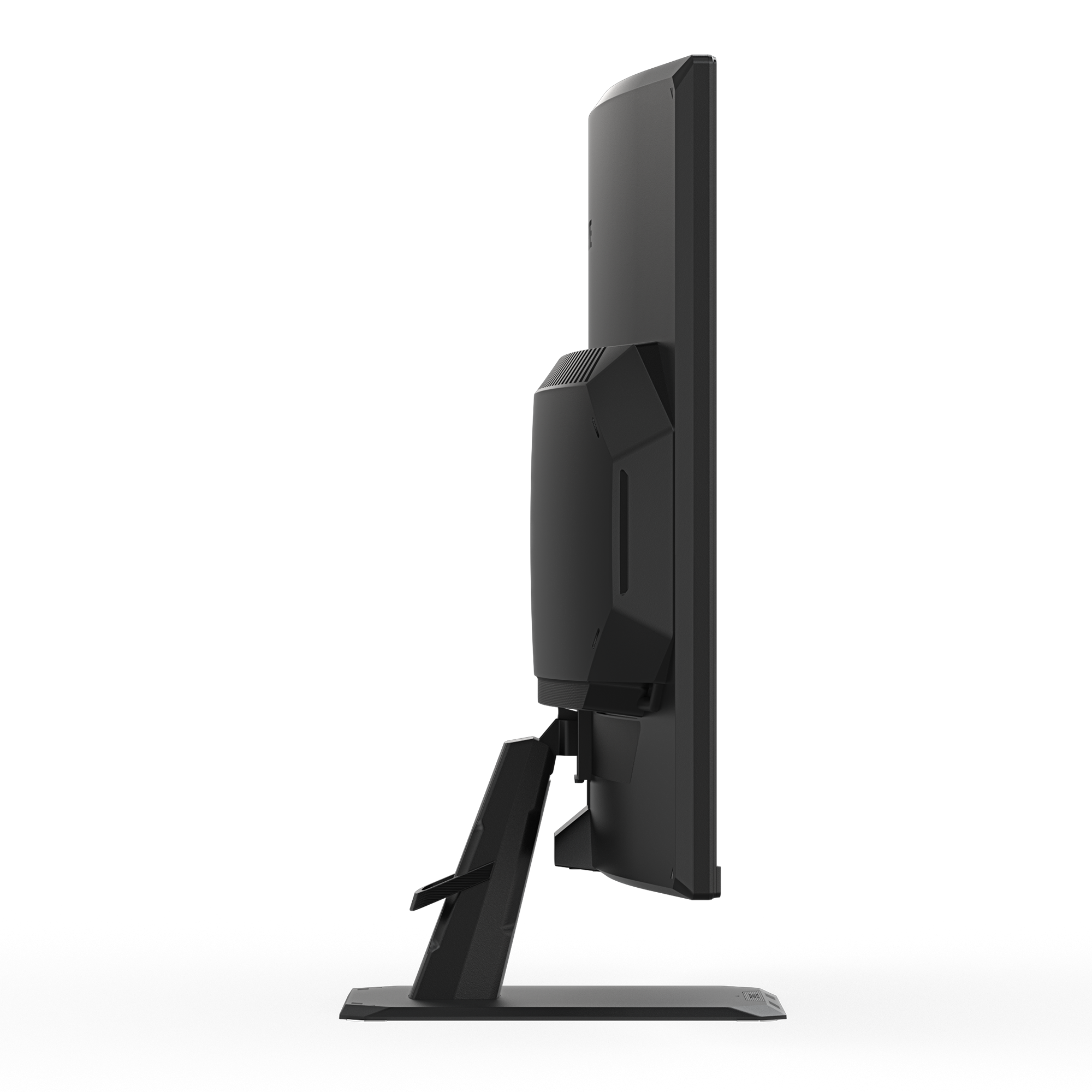
- Tilt(angle)
- -5°~+20°
- Swivel(angle)
- N/A
- Pivot(angle/direction)
- N/A
- Height Adjustment (mm)
- N/A
- VESA Wall Mounting(mm)
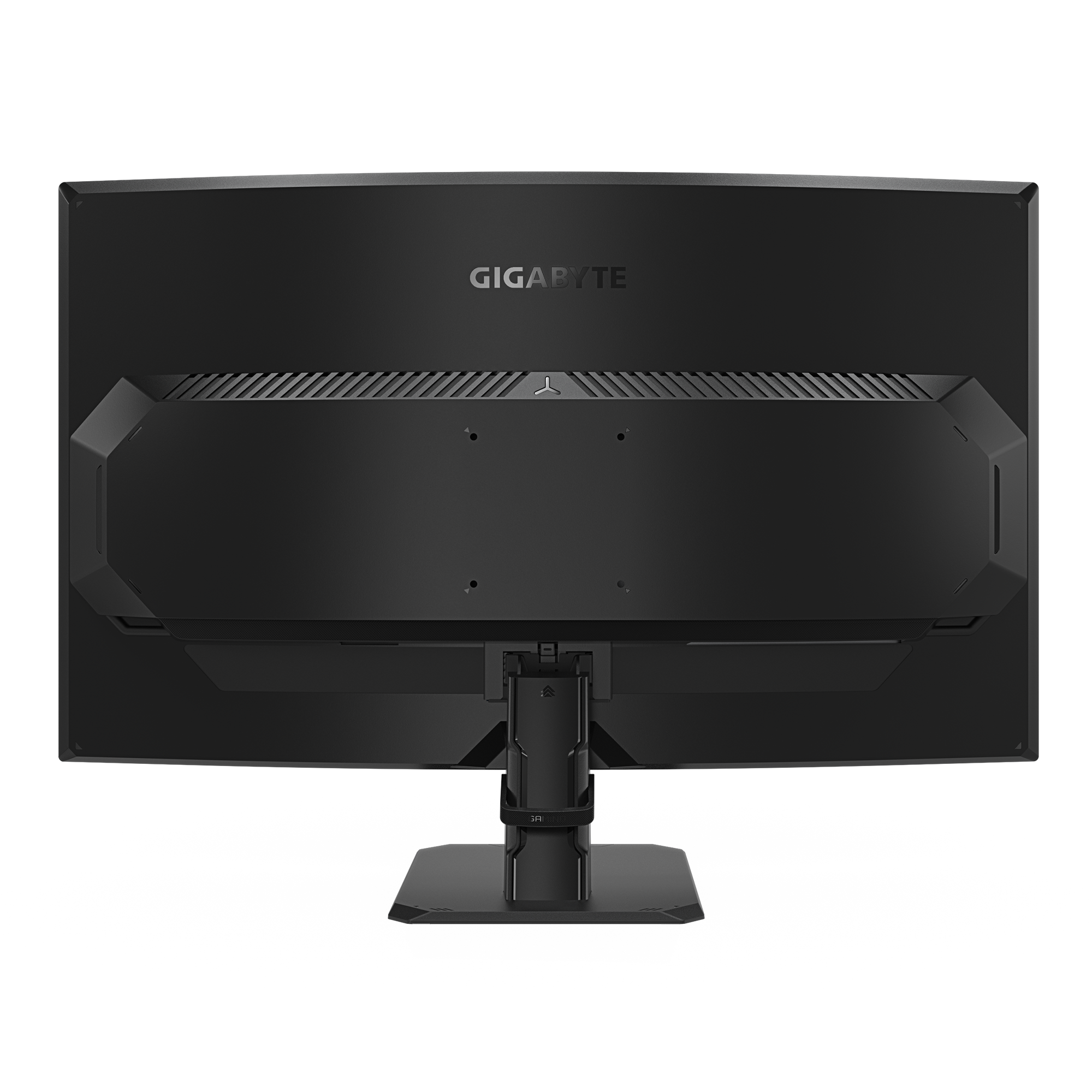
- 100*100 mm
- Kensington lock
- Yes
- Phys. Dimension with Stand(WxHxD)
- 709*497*238 mm
- Phys. Dimension w/o stand (WxHxD)
- 709*419*94.3 mm
- Box Dimension (WxHxD)
- 794*515*160 mm
- Net Weight with stand (Esti.)
- 5.86 kg
- Net Weight without stand (Esti.)
- 4.62 kg
- Gross Weight (Esti.)
- 8.1 kg
- Accessories
- Power cable/DP cable/QSG/Warranty card
- Note
*To enable OSD Sidekick (integrated in GCC), it requires connection between PC and monitor with HDMI/DP cable.
**The test condition follows CEC standards.